When you're planning a change to a client's platform account, whether that's adding a deposit, adjusting a withdrawal or opening a new account, confidence comes from being able to see the outcome before you commit to it. That's exactly what the new illustrations feature on Timeline is designed to give you.
What is it?
Illustrations let you model the financial impact of a proposed change for any onboarded client. The result is a cost illustration document you can review, refine and share, all without making any changes to the client's actual account.
How does it work?
For any onboarded client, a new + Illustration button appears on the main platform page. From there, you choose whether to illustrate for an existing account within that household or for a new account.
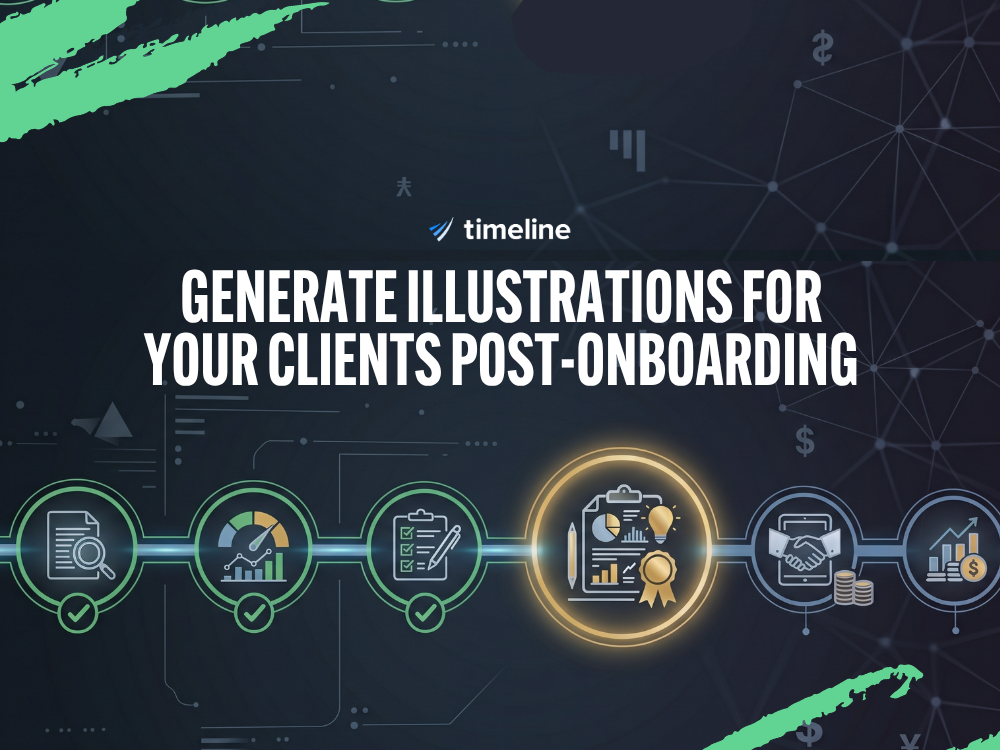
If you select an existing account, the relevant information is pre-filled automatically, though every field can be adjusted. The illustration is built across five straightforward steps:
- Illustration details — the basics of what you're modelling
- Investment strategy — the proposed portfolio approach
- Opening value and costs — the starting position and associated charges
- Transactions — any deposits, withdrawals or regular contributions
- Document — review and finalise before downloading
At any point in the process, you can go back and adjust inputs. This makes it straightforward to run different scenarios until the illustration accurately reflects what you want to present to the client.
What can you do with the output?
Once you're happy with the illustration, you can:
- Download the cost illustration document
- Share it directly to the client's document centre
- Send it by email
- Or do both at the same time
Why it matters
Having a clear illustration before making account changes helps you have more informed conversations with clients. It means you can walk them through the projected impact of a decision in a format that is easy to understand, before anything is actioned.
The feature is available now for all onboarded clients. You can watch a short video walkthrough here: View demo
If you have any questions about using illustrations, get in touch with the Timeline team.
.png)
.png)