Pennee helps you unlock the full power of Timeline's integrated ecosystem through a simple chat experience.
CURRENTLY IN BETA TESTING
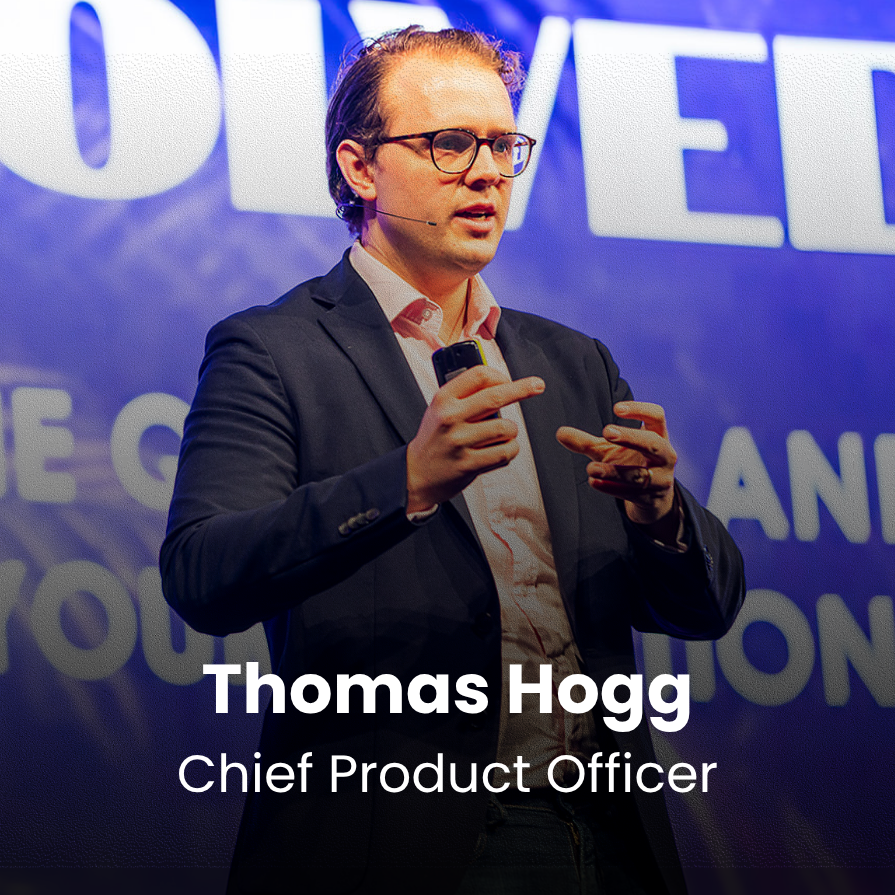
Watch our CPO, Thomas Hogg, demonstrate how Pennee works seamlessly across the tools you use every day.
Ecosystem Overview
Instead of navigating multiple systems, advisers can simply ask Pennee to help get the work done.
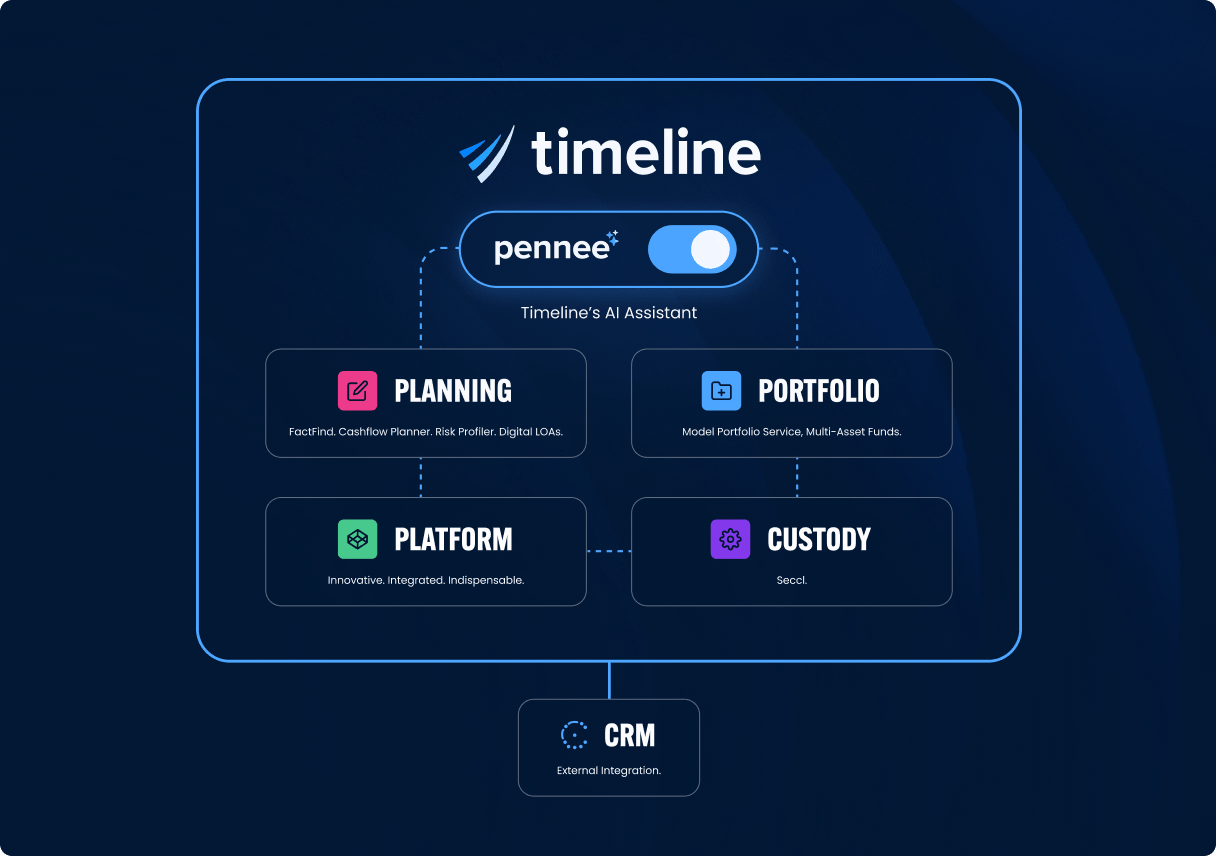
Pennee works across Timeline's integrated ecosystem, helping advisers find information, prepare work and access existing Timeline functionality through a simple conversation.
No copy-pasting. No rekeying.
No disconnected systems.
client context
Pennee reads across cashflow plans, FactFinds, risk profiles, portfolios, platform data, LoAs, meeting history and client records to bring the right context into every task.
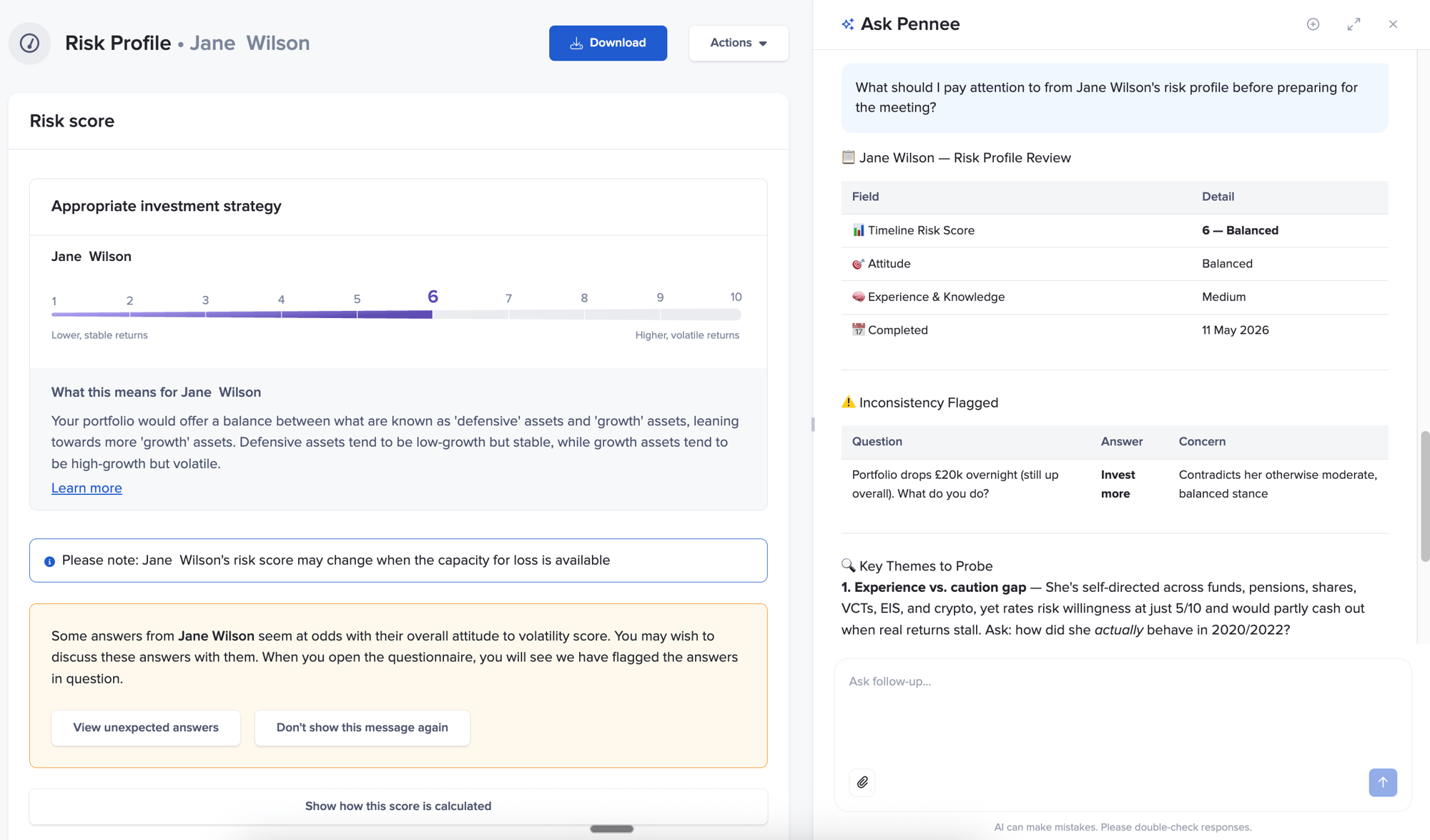
Ecosystem integration
Pennee runs on Timeline's tools and workflows, so planning, reporting and client tasks happen where your team already works.
Pennee also helps bring external client data into that ecosystem, intelligently mapping spreadsheets to Timeline fields while keeping you in control of the import.
Adapts to you
Conversation history is per user, so Pennee remembers preferences across your own conversations — from formatting and tone to how you like information structured.
The more you use Pennee, the more useful it becomes.
Investment Analysis
Need to compare a client's portfolio against another portfolio or benchmark? Ask Pennee in your own words.
Pennee uses Timeline Analytics to generate the comparison and returns the resulting chart in the conversation.
For example:
"Compare [client name] against [portfolio or benchmark]."
Same chart. Same data. Just faster to reach.
full adviser control
Pennee accelerates advice work by preparing review-ready drafts and workflows — while keeping the adviser firmly in control of every output and action.
Completed
Pending
Pending
Pending
Use Cases
Pennee accelerates advice work by preparing review-ready drafts and workflows — while keeping the adviser firmly in control of every output and action.
meeting notes
Pennee captures meeting notes, actions and decisions in real time, then turns them into:
Nothing is sent or triggered until the adviser explicitly approves it.
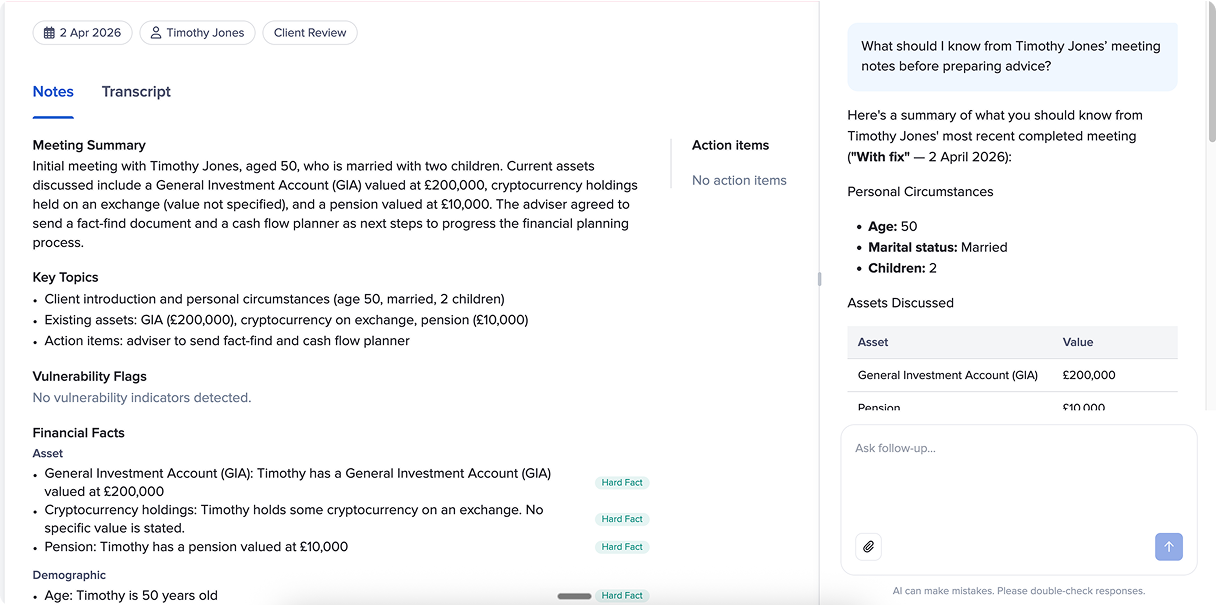
Financial planning
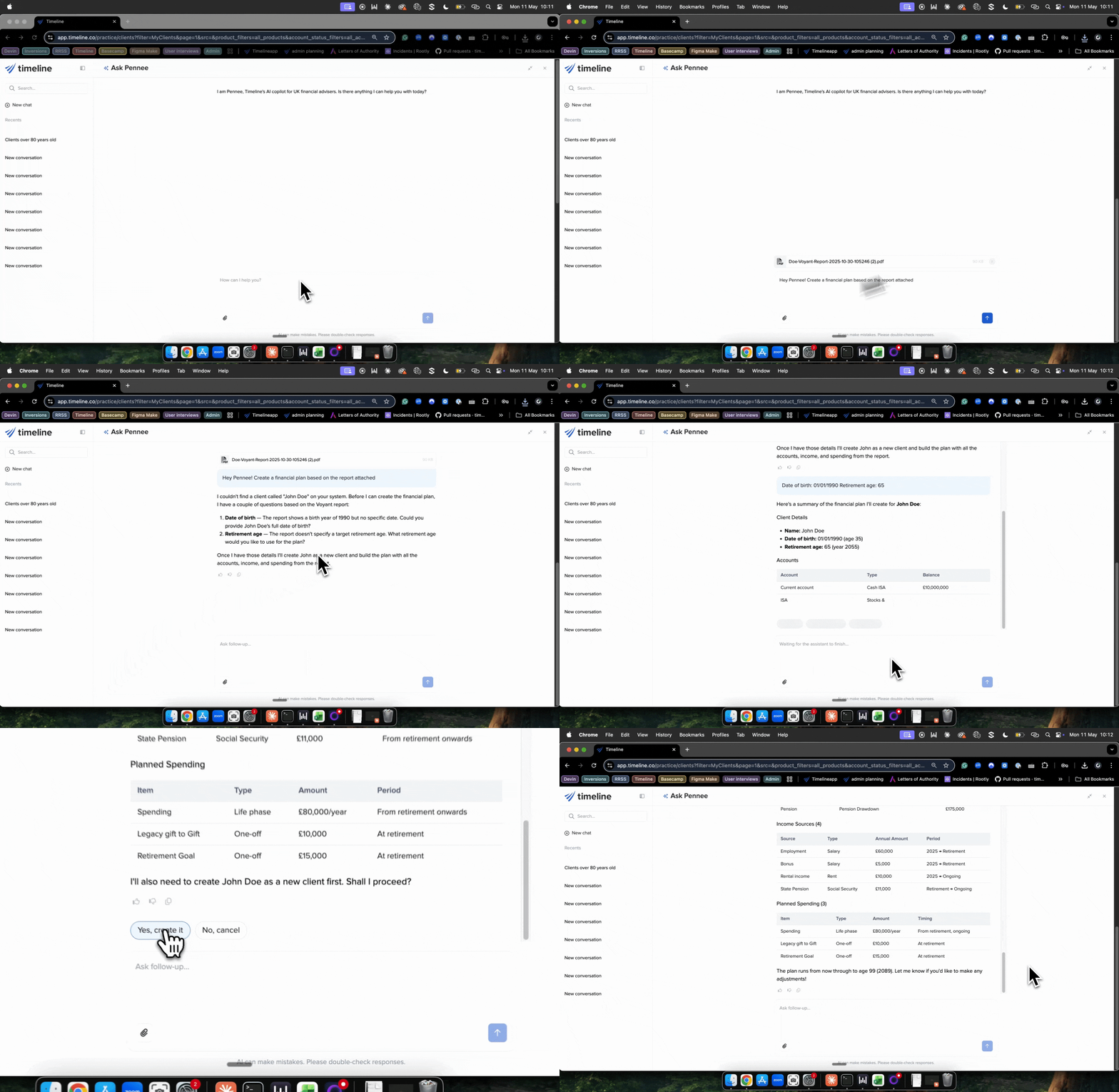
Upload meeting notes, FactFinds, PDFs or existing client documents and Pennee can help structure the first version of a financial plan using the relevant client context already inside Timeline.
Portfolio comparisons
Ask Pennee to compare a client’s portfolio with another portfolio or benchmark, without setting up the comparison separately in Analytics.
Pennee uses Timeline Analytics and returns the resulting chart in the conversation. It’s a useful way to access investment analysis while preparing for a client meeting or reviewing a client’s investments.
Client search
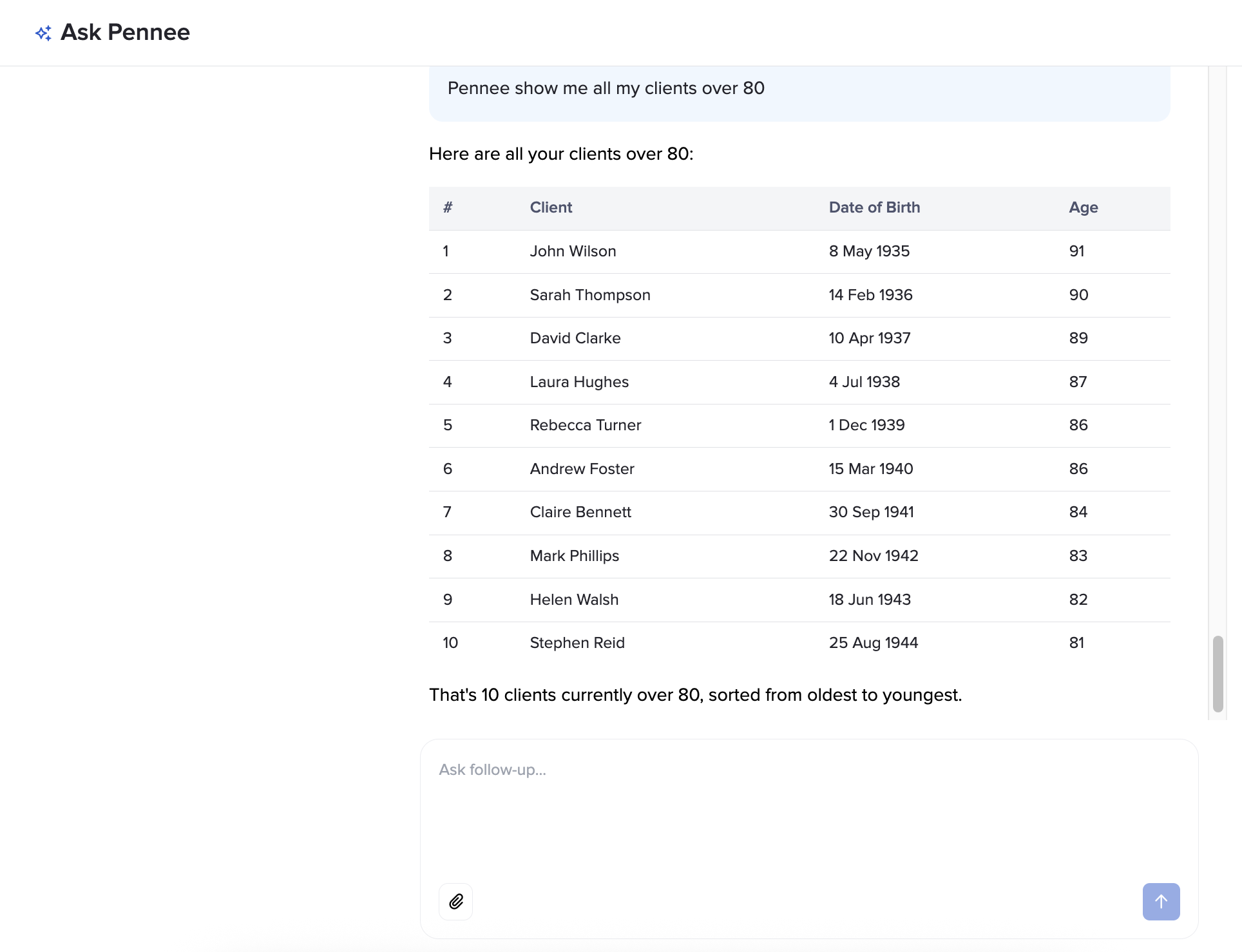
Retrieve account values, holdings, fee data, portfolio allocations and client summaries without running manual reports or jumping between systems.
Client data imports
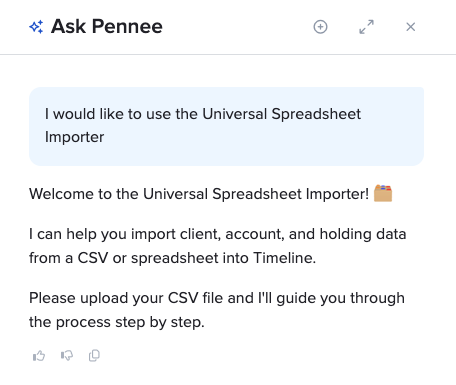
Upload almost any spreadsheet, and Pennee will analyse its structure, identify the columns and suggest where the data belongs within Timeline.
Review and amend the proposed mappings, check any potential duplicate clients and confirm the import when you are ready.
built for regulated firms
AI in financial planning carries real responsibility. Pennee is designed to help advisers move faster while keeping the adviser responsible for every client outcome, communication and recommendation.
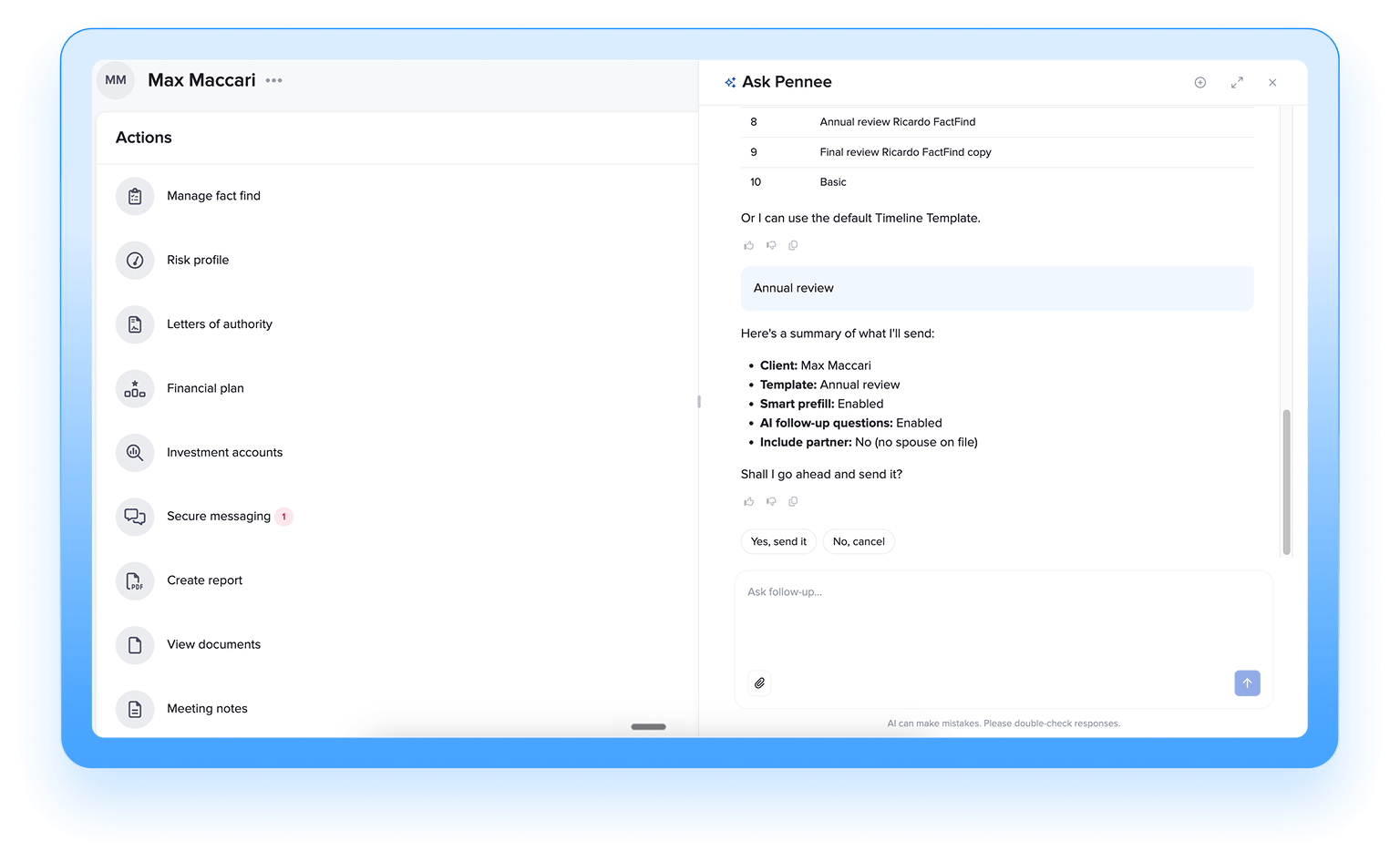
Pennee can prepare drafts, suggest actions and assemble workflows — but it never sends, submits, changes or triggers anything independently.
Every output is reviewed by the adviser first. Every action requires explicit approval.
Pennee is designed with security, privacy and adviser oversight built into every layer - from infrastructure and model hosting to data handling and workflow approvals.
Pennee runs on UK infrastructure and your firm's data is never used to train AI models.
Designed for regulated advice firms, with adviser accountability, auditability and oversight built into the workflow.
Pennee operates within the Timeline ecosystem your firm already uses every day.
No. Pennee helps advisers and support teams move faster by preparing draft work ready for review. Advisers remain responsible for all regulated advice, recommendations and client outcomes.
No. Your firm’s data is not used to train AI models.
No. Pennee cannot independently send emails, submit information, trigger workflows or make client changes.
It prepares work for review. Advisers explicitly approve every action before anything happens.
Yes. Pennee works across the Timeline ecosystem including planning, platform, reports and client records.
No. Conversation history and preferences are stored per user.
Pennee’s Universal Spreadsheet Importer is designed to work with almost any spreadsheet format. It analyses the columns and suggests how the data should map to Timeline fields. You can review and amend every mapping before completing the import.
Pennee identifies potential duplicates where it cannot make a definitive match and asks you to review them before the import is completed.
Yes, once you have reviewed and approved a mapping, you can save it for use with future imports from the same source.
Yes. You can ask Pennee to compare a client’s portfolio with another portfolio or benchmark. Pennee uses Timeline Analytics and returns the resulting chart in the conversation.
No. Pennee uses Timeline Analytics to generate the comparison chart. It does not create separate calculations or performance figures.